Still in production?
Review current estimated lead times, calculate the general completion window, and request a detailed update when the order approaches that window.
Open Order Status →Use the right resource for your order’s current stage. Production updates are available through the Order Status page. After shipment, your shipping email provides the carrier, tracking number, and delivery instructions.
Choose the pathway that matches the order’s current stage so your question reaches the correct information and support resources.
Review current estimated lead times, calculate the general completion window, and request a detailed update when the order approaches that window.
Open Order Status →Find the carrier and tracking number in the shipping email. The freight carrier will contact you directly to schedule the delivery appointment.
Read Shipping Instructions →Review the inspection steps before the driver arrives. Photograph the shipment, inspect before signing, and keep all packaging.
Prepare for Delivery →Production and freight delivery are separate stages. A shipping notification means the product has left—or is being released from—our facility; it is not an installation appointment.
Your handcrafted order moves through the applicable build and finishing processes.
The completed product is inspected and photographed before freight pickup.
Carrier, tracking, receiving video, and delivery instructions are sent to the order email.
The freight carrier contacts you to schedule curbside delivery.
Check the email address and mobile number associated with the original order before assuming the order has stopped moving.
Search for Hide-A-Way Doors and review spam, junk, promotions, and filtered folders. Freight tracking may also come from the carrier.
Keep the original order number available.Use the Contact page and include the customer name, order number, old contact information, and the information that should be used going forward.
No. Production updates require a review of the order and shop schedule. Use the Order Status page first, then submit an update request if the order is approaching its estimated completion window.
The carrier and tracking number are included in the shipping email sent when the order reaches the shipping stage. Check spam and filtered folders if it is not in the main inbox.
The independent freight carrier contacts the customer to schedule curbside delivery. Hide-A-Way Doors cannot control or change freight appointments after shipment.
No. Wait until the shipment has arrived, been accepted, and been inspected. Freight schedules and transit times can change.
Follow the delivery inspection instructions, document the condition on the driver’s paperwork, take full-view photographs, keep all packaging, and submit the online shipping-damage report within the required timeframe.
Check production information before shipment, or review the delivery instructions if tracking has already been issued.
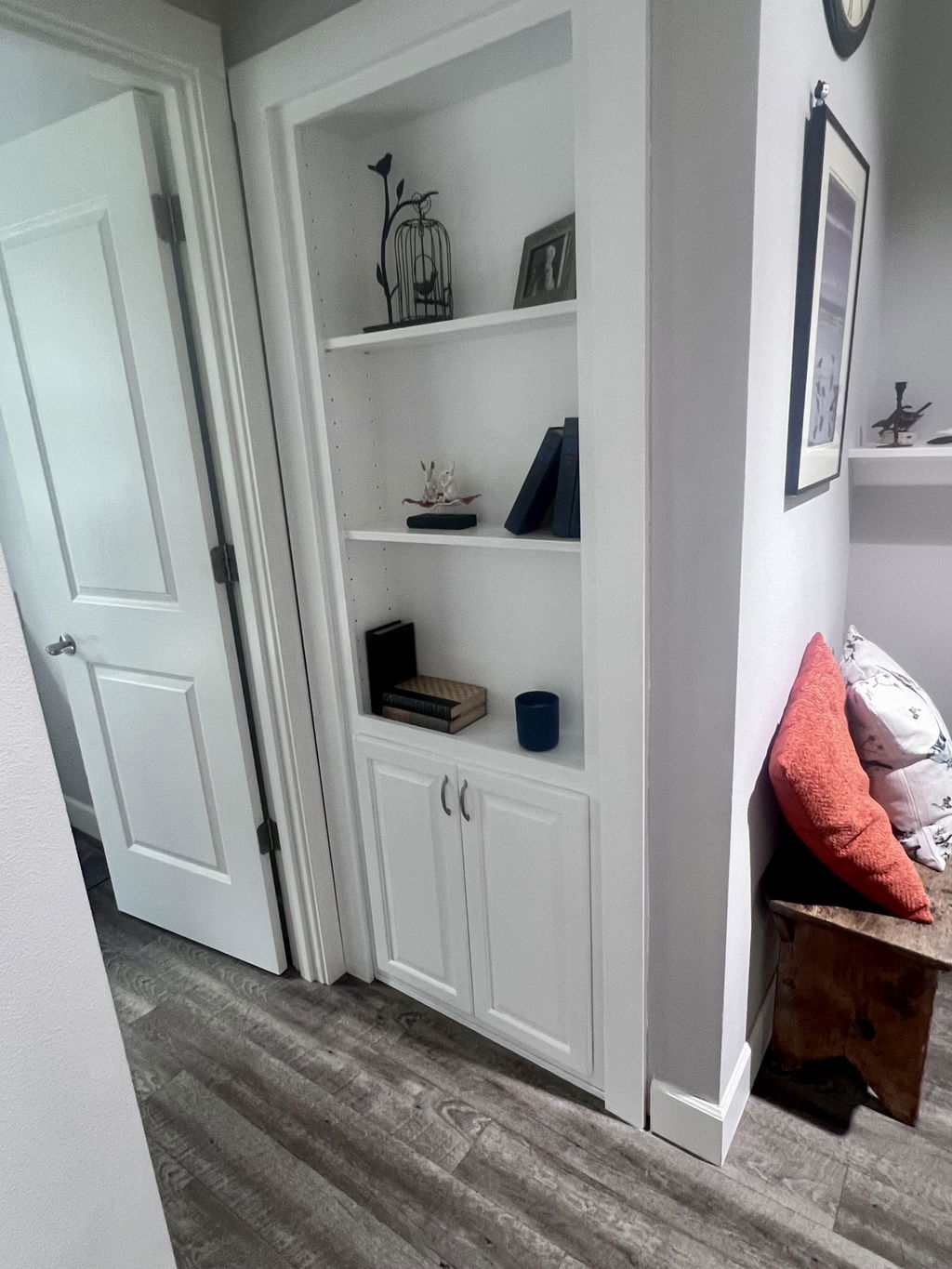
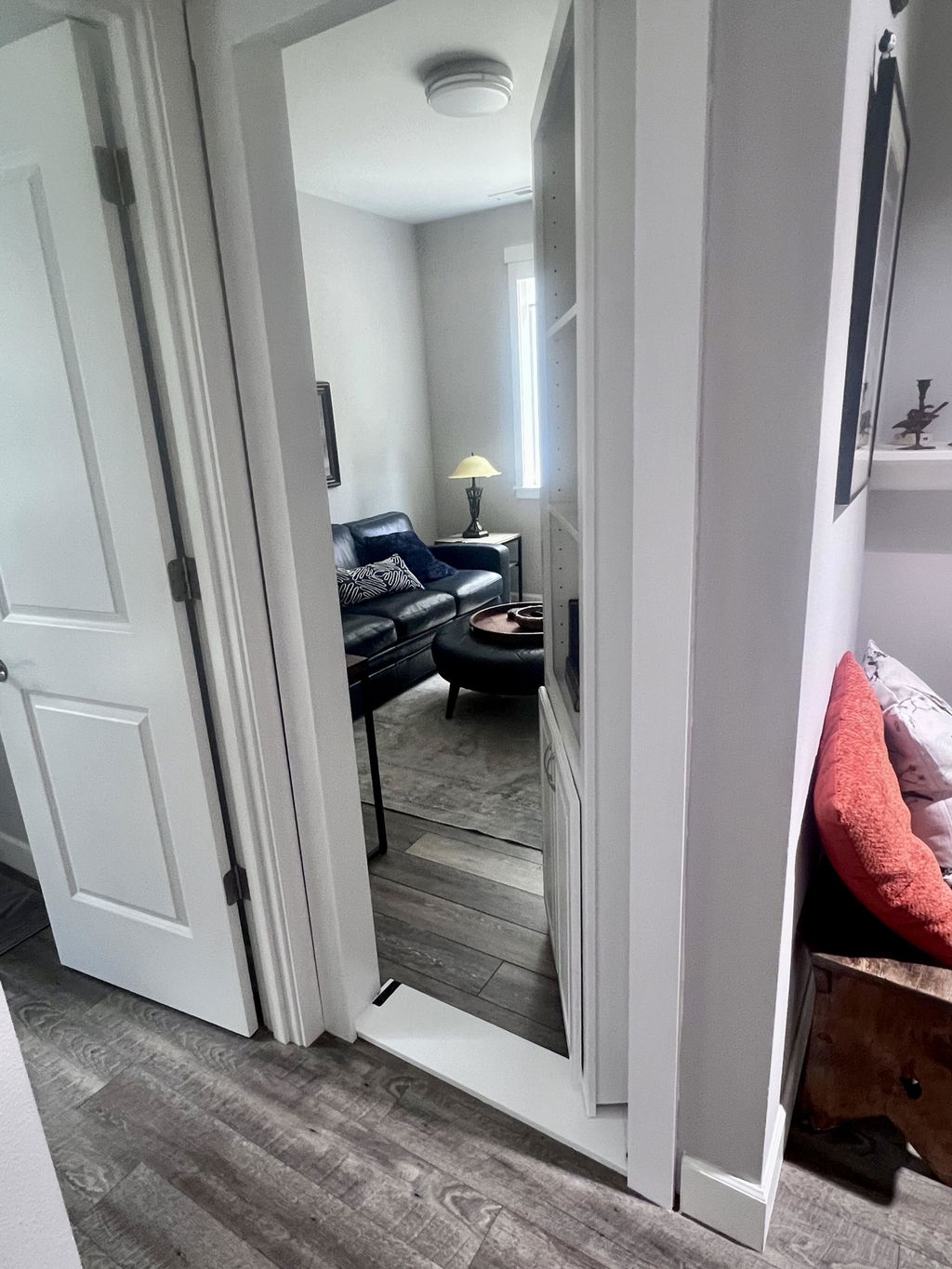
This product was used to replace a door to a closet in the middle of a wall. Now we have a beautiful bookcase and still have a functional closet behind it. We are very happy with this product!
Thank you very much for taking the time to leave us such a nice review! We appreciate your business.
Beautiful craftsmanship and it looks amazing at the end of our hall. You'd never know there is a room behind it
Hi Stephanie, we're thrilled to hear you love the craftsmanship! It sounds like the perfect hidden door. Thanks for sharing your experience!
I had high expectations but it. And out better than I dreamed. We’re super happy with the project.
Thank you for taking the time to leave us such a positive review, we appreciate your business!
Beautiful door and shipped well
Thank you for taking the time to review our product. We appreciate that and we appreciate your business!
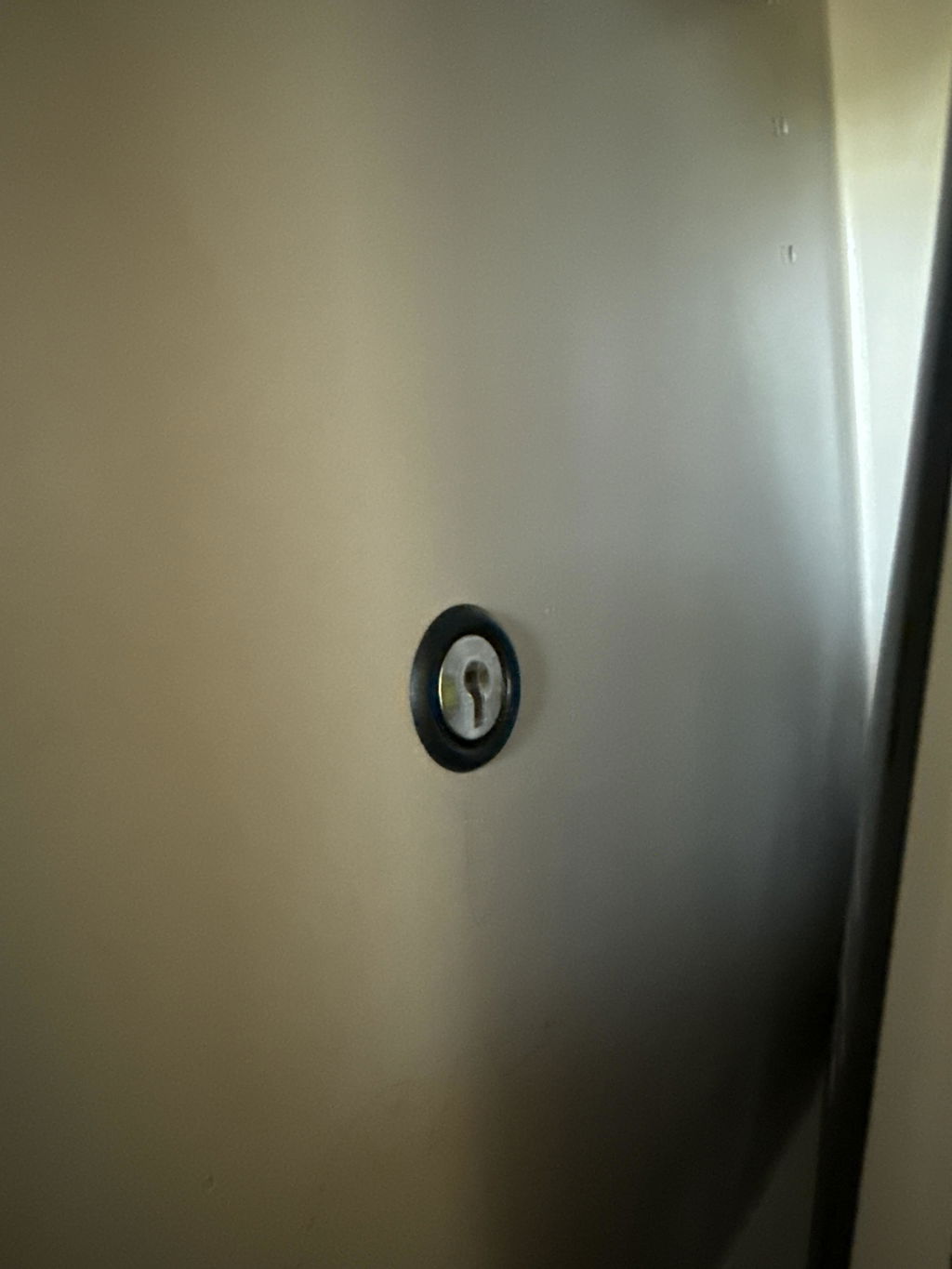
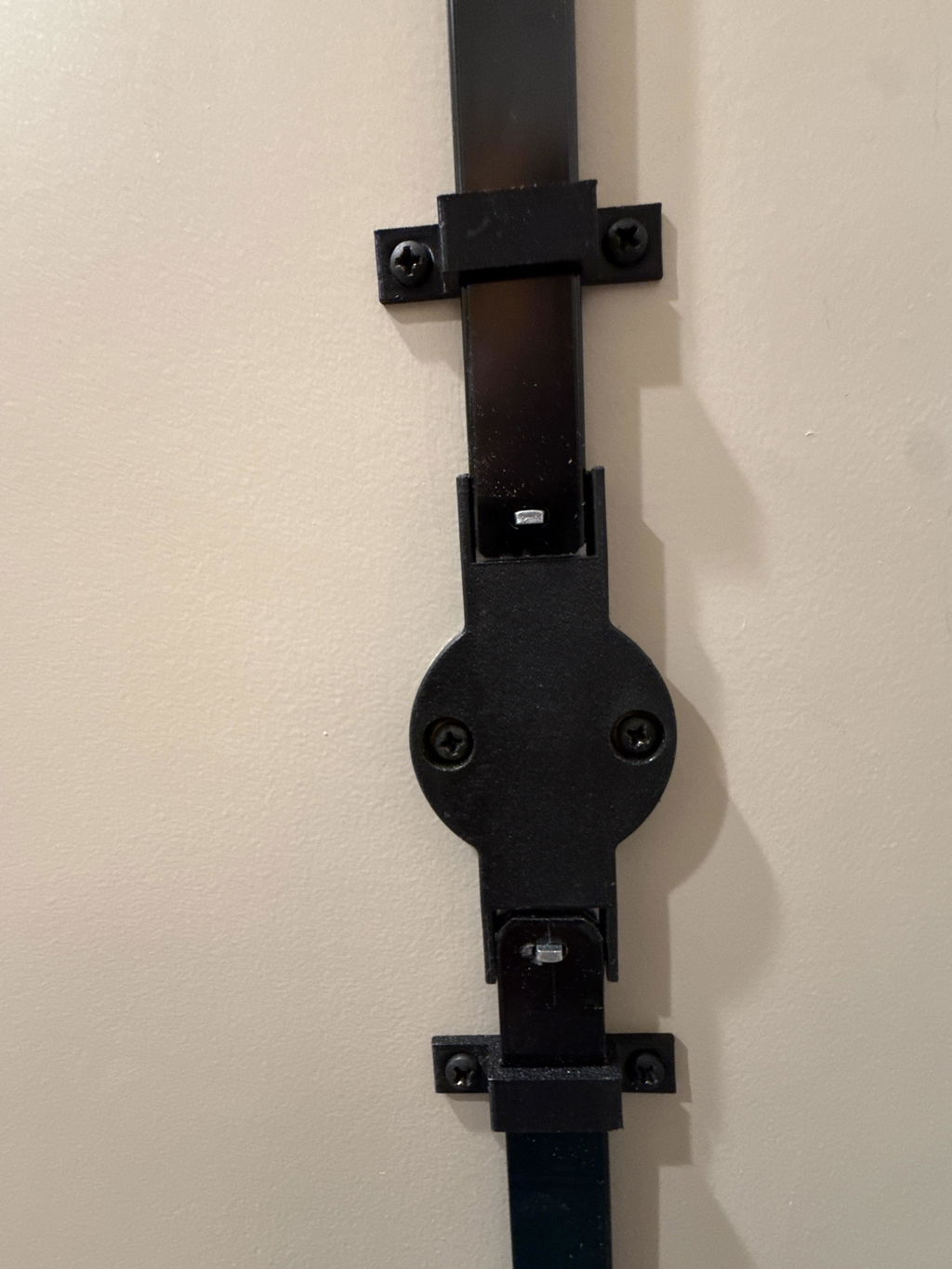
Worked perfectly. It did take me awhile to cut the bars to the right length, but it’s exactly what I needed.
Hi Eric, we're so glad to hear the lock worked perfectly for you! Thanks for sharing your experience and for choosing Hide-A-Way Doors.